1. IMPORTANT: In the registration form, make sure that the Registrant details (name, affiliation, email address) match the details of one of the authors added during Initial Submission, and that they belong to the person personally attending the conference.
2. Complete the payment. It is recommended that you pay with a credit card due to the speed of the transaction. Please note that if you choose to pay via wire transfer, you will only receive the Camera-ready upload rights after the transaction has been completed, which may take up to 5 business days.
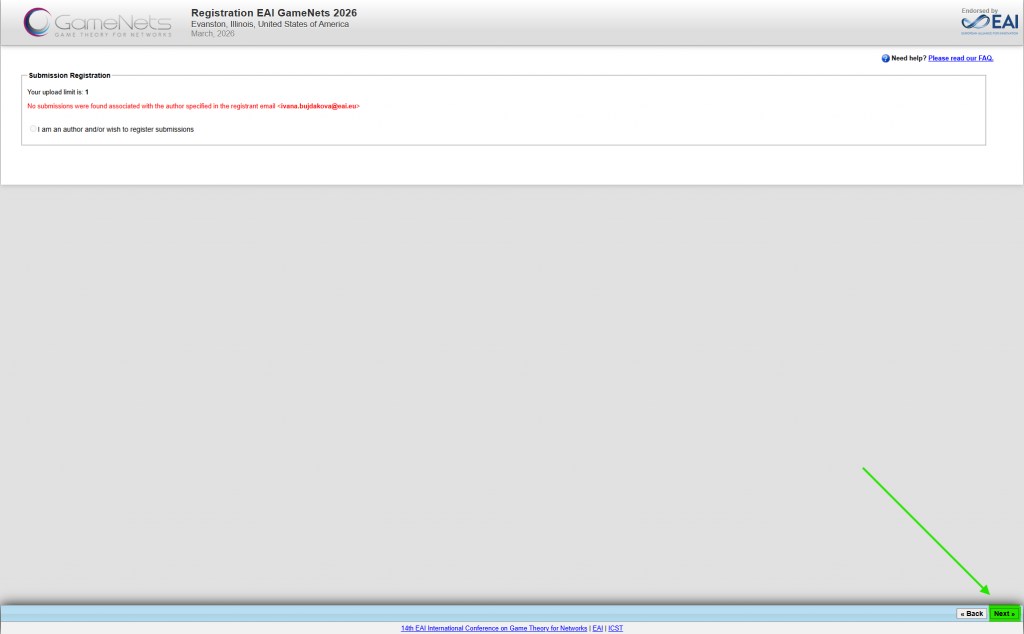
Please Note: You are not required to select your paper during the registration process. This is because paper submissions were collected in EasyChair rather than through the Confy+ system. When registering, simply skip the paper selection step by clicking “Next” to proceed.